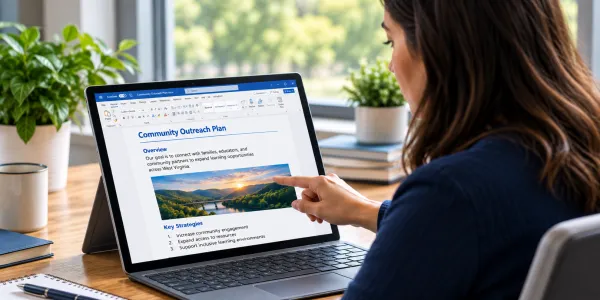
I'm creating a new document
Build accessibility into your source document from the start — the most efficient path to an accessible PDF.
The West Virginia Department of Education is committed to making the documents we publish accessible to everyone, including people who use assistive technologies such as screen readers. This guide explains how WVDE staff create and maintain accessible documents, and outlines the standards we follow.
WVDE follows Web Content Accessibility Guidelines (WCAG) 2.1 Level AA for both web content and published documents. This standard is required for state and local government agencies under the U.S. Department of Justice's Title II ADA web accessibility rule.
Document accessibility is an ongoing effort. We are actively working to ensure that new documents meet this standard and that legacy documents are remediated over time.
The guidance in this guide is written for Microsoft Office on Windows (PC). If you are using Microsoft Office on Mac, some interface elements — menu locations, pane layouts, and toolbar options — may differ from what is described here. If a feature does not match your experience, contact the WVDE Communications office for assistance.
Before you create a new document or remediate an existing one, check whether a PDF is the right format. A web page or Word file may serve your audience better and take less work to make accessible.
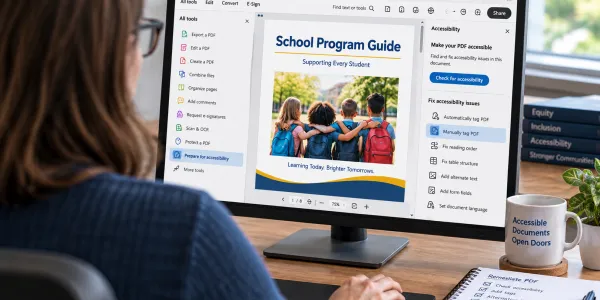
The legal requirements, the people affected, and why accessible documents are worth the effort.
The core principles that guide accessible document creation, including an introduction to WCAG 2.1 AA.
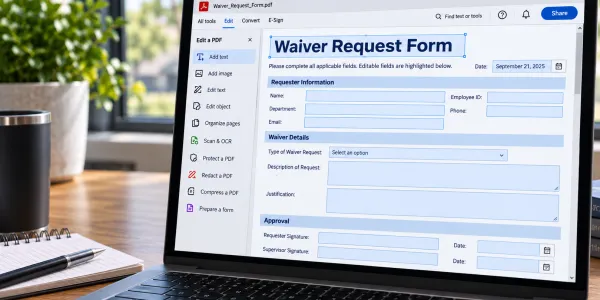
Before uploading your PDF to the site, use this checklist to confirm everything was addressed in Word before export and verified in Acrobat after.
If you have questions about document accessibility or need assistance, contact the WVDE Communications office directly, or submit a web request.